Create extraordinary images in Claude using everyday language.
Photos, illustrations and artwork appear right in your chat, with a link to the full-size file. Works on the web, desktop and mobile.
https://www.luminka.app/mcp
Make any image in Claude, just by asking
Photos, product shots, posters and illustrations, made right in your chat with Claude.

Photos
Realistic photos of anything you can describe, lit just how you want.

Scenes and places
Set the mood for a story, a post or a presentation slide.

Edits
Change an image you've made by asking. Keep what works, change the rest.

Product shots
Clean studio images for shops, mock-ups and launches.
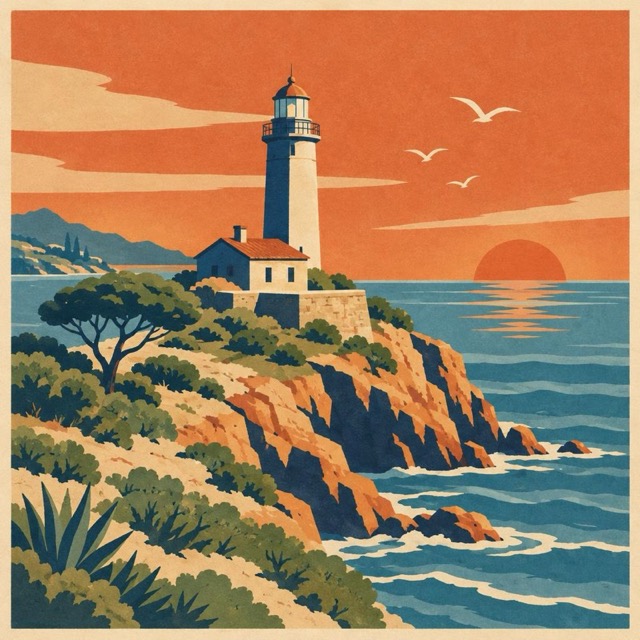
Posters and illustration
Bold graphic styles, from travel posters to flat vector art.
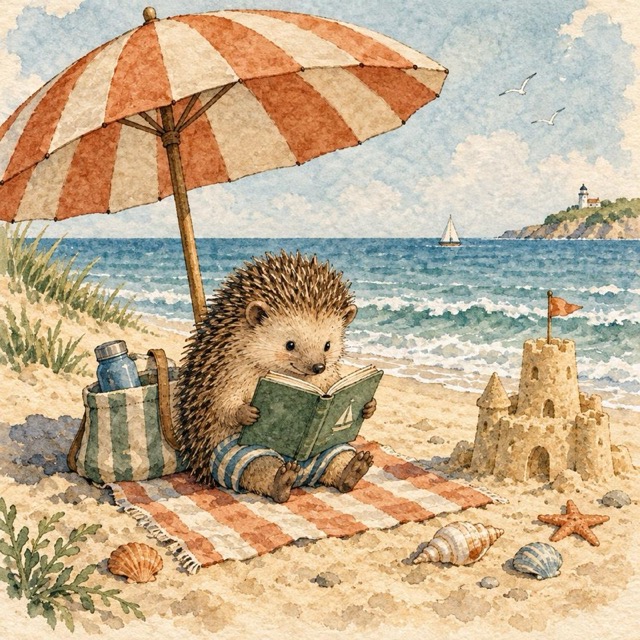
Storybook art
Gentle, hand-made looks for cards, books and children's stories.
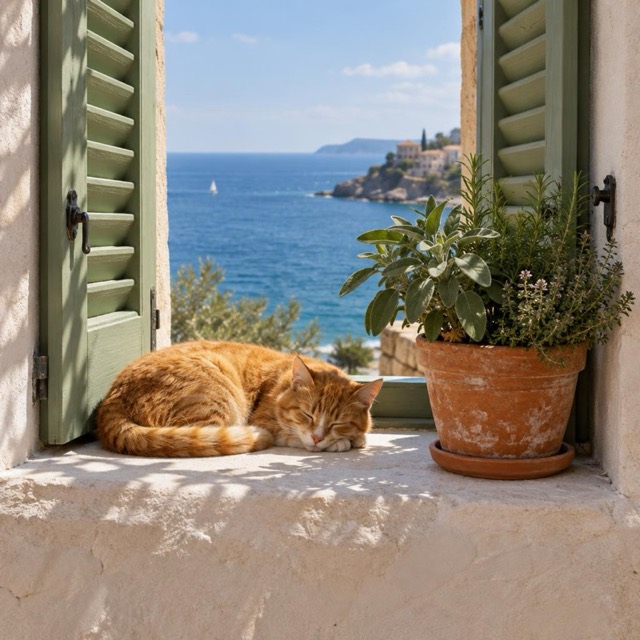
Just for fun
Pets, jokes, birthday cards: whatever you feel like making.
How it works
Three steps, about a minute.
Add the connector
In Claude, open Settings → Connectors → Add custom connector, name it Luminka and paste the link above.
Sign up with a code
Enter your email and the 6-digit code we send you. First time? This creates your account. No password to remember.
Just ask
“Make a photo of…”, “Now make it snowing”. The image appears in your chat.
Pricing
Start free. Buy credits only if you want more. No subscription.
- 1 credit = 1 image · high quality uses 4
- Credits don't expire
- Prices in US dollars, including any VAT or sales tax
Already pay for the OpenAI API? Add your own key in your account, and your images are billed by OpenAI instead of using credits. Set it up
New to connectors? The step-by-step guide walks you through adding Luminka to Claude.
Step-by-step guide